HEALTHY UDEP FAIR
University students who inspire: Choose wellness, choose a drug-free life.
Participate and share a message that inspires healthy choices, well-being, and a drug-free college life.
See contest rules PDF
Your health, your decision, your future.
Every day counts when choosing well-being.
From the 2014, The UDEP Healthy Fair is the central activity of the institutional program “Healthy UDEP”, promoted by the University Polyclinic. In its 12th edition, it reaffirms its commitment to promoting health, emotional well-being and healthy lifestyles throughout the university community and their families.
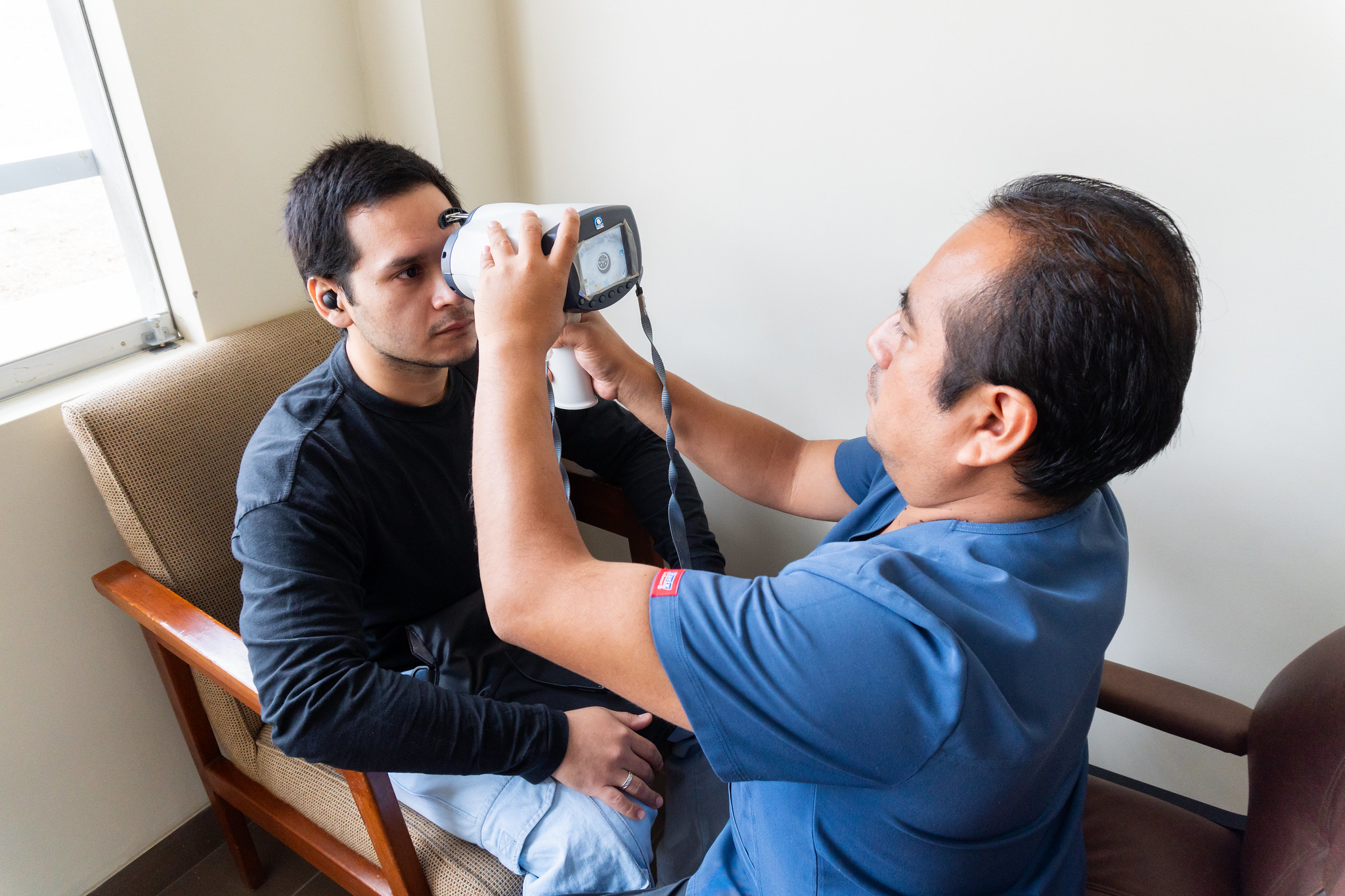
This annual event offers a space for early detection and prevention of diseases, integrating the three pillars of a healthy lifestyle: balanced nutrition, preventive health, and physical and mental health.
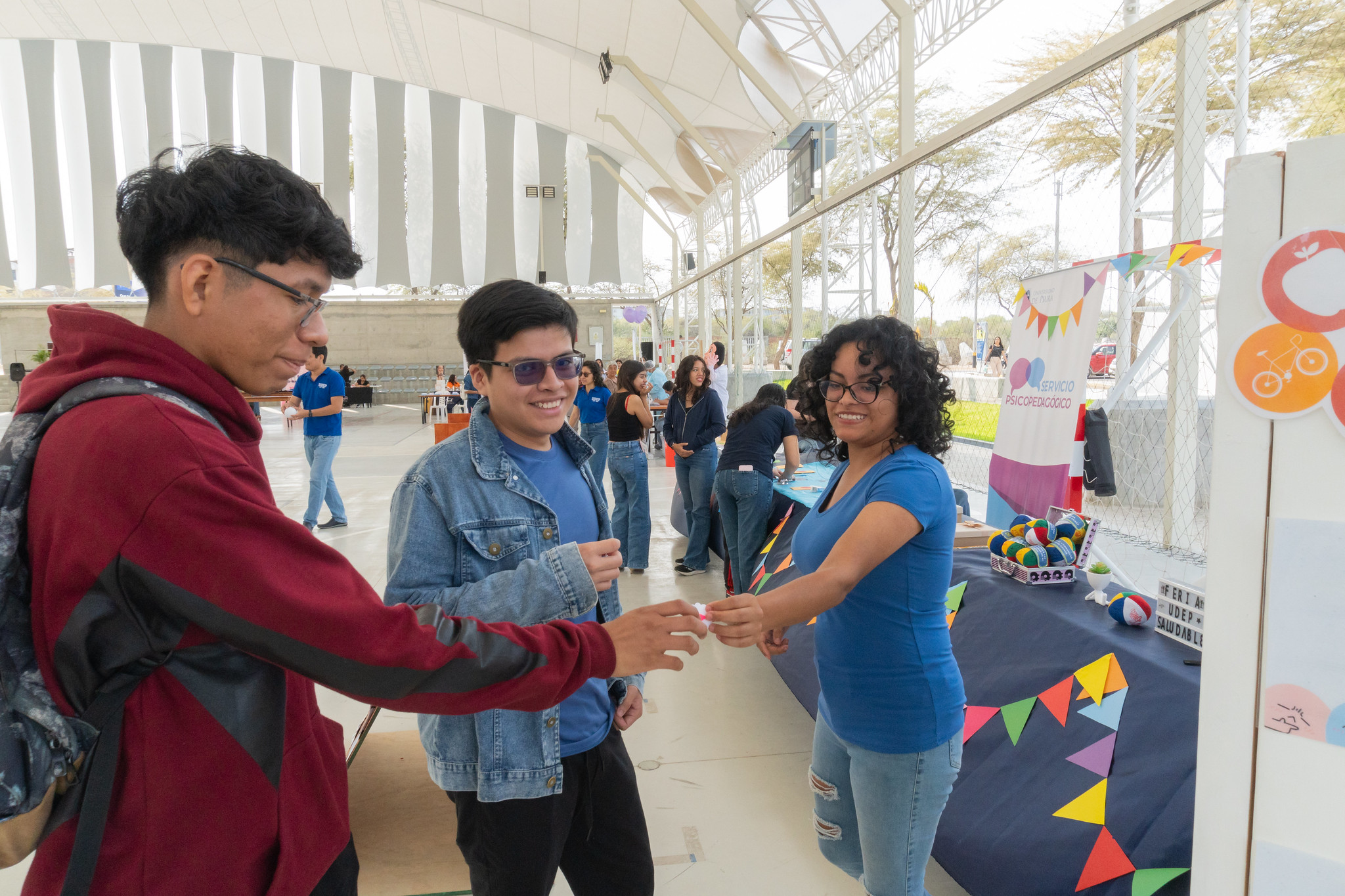
During the day, in the Sports center on the Piura campus, Attendees have access to medical services, tastings of healthy products, physical activities, mental health workshops, raffles and contests.

HEALTHY UDEP FAIR
Participate and share a message that inspires healthy choices, well-being, and a drug-free college life.
↓ See contest rules PDFFind activities designed to take care of your health and well-being.
19
SET
●
Free entry
Experience a morning dedicated to prevention, well-being, and habits that help you live better.
ℹ Registration accessible within the UDEP internal network.
14–18
SET
◌
Presentando
From September 14th to 18th, a week to add habits that strengthen your physical, mental and emotional well-being.
✦ We will share all the activities soon.


Relive the moments, activities, and experiences that have been part of UDEP Saludable.
↗
View album
2025
Moments from Healthy Week 2025, shared by the university community.
Explore photos →
↗
View album
2024
Memories of the Health, Nutrition and Sports Fair held together with the UDEP community.
Explore photos →We firmly believe that the Internet should be available and accessible to everyone, and we are committed to providing a website that is accessible to as many people as possible, regardless of their circumstances and abilities.
To comply, we aim to adhere as closely as possible to the World Wide Web Consortium (W3C) Web Content Accessibility Guidelines 2.1 (WCAG 2.1) at level AA. These guidelines explain how to make web content accessible to people with a wide range of disabilities. Complying with these guidelines helps us ensure that the website is accessible to all people: blind people, people with motor, visual, cognitive impairments, etc.
This website uses various technologies to make it as accessible as possible at all times. We use an accessibility interface that allows people with specific disabilities to adjust the UI (user interface) of the website and design it according to their personal needs.
Additionally, the website uses an AI-based application that runs in the background and constantly optimizes its accessibility level. This application corrects the HTML code of the website, adapts its functionality and behavior to screen readers used by blind users and keyboard functions used by people with motor disabilities.
If you have detected any errors or have ideas to improve it, we will be happy to receive them. You can contact the website operators through the following email jose.rodriguez.co@udep.edu.pe
Our website applies the ARIA (Accessible Rich Internet Applications) attribute technique, along with various behavioral changes, to ensure that blind users who visit us with screen readers can read, understand and enjoy the functions of the website. As soon as a user with a screen reader enters your website, they are immediately prompted to enter their screen reader profile so they can navigate and use your website effectively. Here's how our website covers some of the most important requirements for screen readers, along with console screenshots of code examples:
Optimization for screen readers: We run a background process that learns website components from top to bottom, ensuring continuous compliance even when the website is updated. In this process, we provide screen readers with meaningful data using the ARIA attribute set. For example, we provide precise labels for forms, descriptions of actionable icons (social media icons, search icons, cart icons, etc.), guidance for validation of form inputs, functions of elements such as buttons, menus, Modal dialogs (pop-ups) and others. Additionally, the background process scans all images on the website and provides an accurate and meaningful description based on object recognition as an ALT (alternative text) tag for images that are not described. It will also extract the texts that are embedded in the image, using OCR (optical character recognition) technology. To activate screen reader settings at any time, users simply press the Alt+1 keyboard combination. Screen reader users also receive automatic prompts to activate screen reader mode as soon as they enter the website.

These settings are supported by all common screen readers, including JAWS and NVDA.
Keyboard navigation optimization: The background process also adjusts the HTML of the website and adds various behaviors using JavaScript code so that the website can be operated with the keyboard. This includes the ability to navigate the website with the Tab and Shift+Tab keys, operate dropdowns with the arrow keys, close them with Esc, activate buttons and links with the Enter key, navigate between radio elements and checkboxes with arrows on the keyboard, and fill them with the space bar or the Enter key. In addition, keyboard users will find quick navigation and content skip menus, available at any time by pressing Alt+1, or as the first elements of the site when browsing with the keyboard. The background process also handles triggered popups by moving keyboard focus toward them as soon as they appear, and not allowing focus to move away from them.
Users can also use shortcuts such as "M" (menus), "H" (headers), "F" (forms), "B" (buttons), and "G" (graphics) to jump to specific elements.
Our goal is to offer compatibility with the greatest possible number of browsers and supporting technologies, so that our users can choose the tools that best suit their needs, with the fewest possible limitations. Therefore, we have worked very hard to be compatible with major systems, which account for more than 95% of user market share, including Google Chrome, Mozilla Firefox, Apple Safari, Opera and Microsoft Edge, JAWS and NVDA (screen readers ), for both Windows and MAC users.
Although we make every effort to enable anyone to adapt the website to their needs, there may still be pages or sections that are not fully accessible, are in the process of becoming so, or lack an appropriate technological solution to make them accessible. Still, we are continually improving our accessibility, adding, updating and improving its options and features, and developing and adopting new technologies. All this in order to achieve the optimal level of accessibility, following technological advances. If you need help, contact jose.rodriguez.co@udep.edu.pe